1. Click "Profile"
2. Click "App settings"
3. Click "Region"
4. Change "Region" to "China"
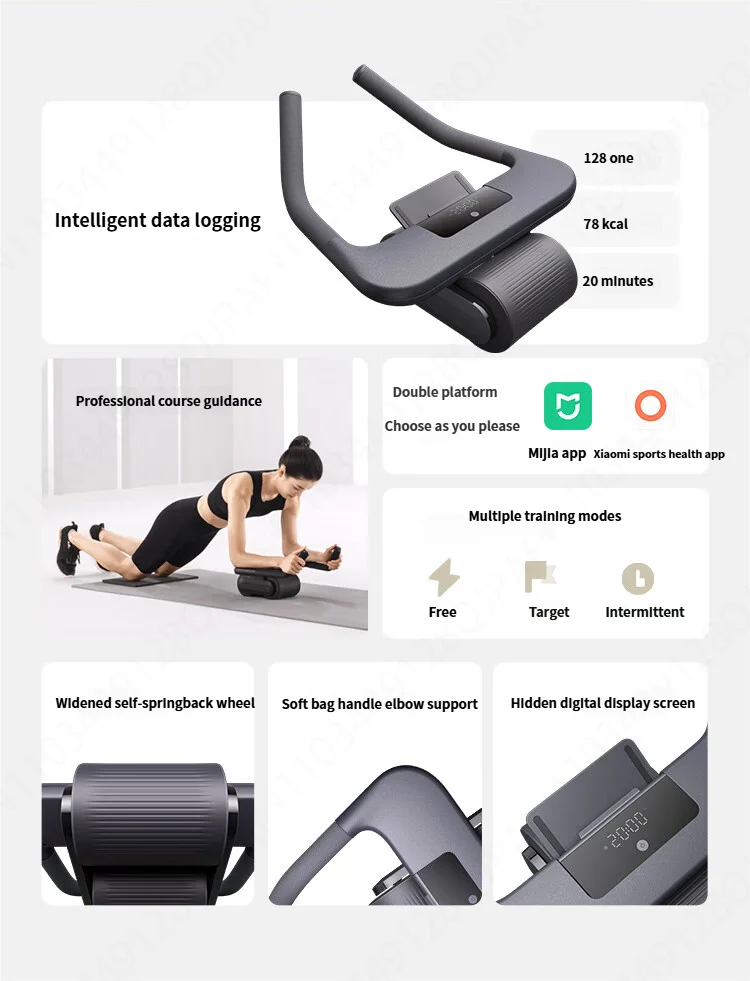
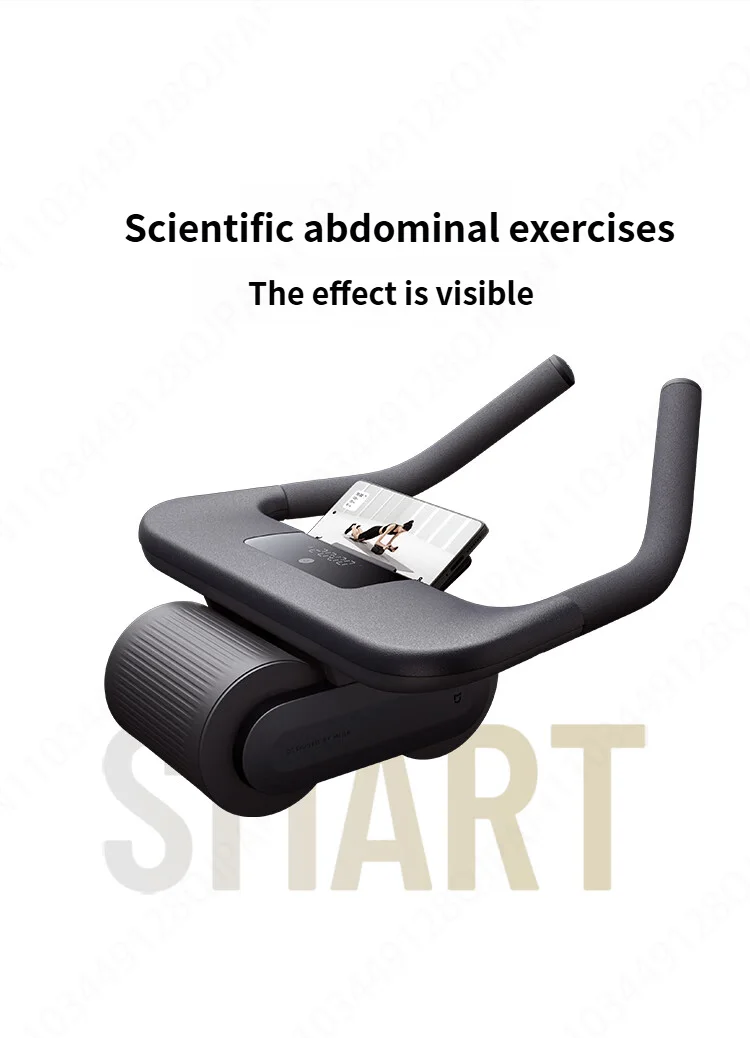
New Xiaomi Mijia Smart Abdominal Wheel Strong Load Bearing Non-Slip Roller Exercise Equipment Fitness Training For Mi Home App
🤖 Intelligent Return System
📊 Bluetooth App Synchronization
🛡️ Dual-Wheel Stability
🔇 Quiet & Non-Slip Wheels
Your Smart Fitness Companion:
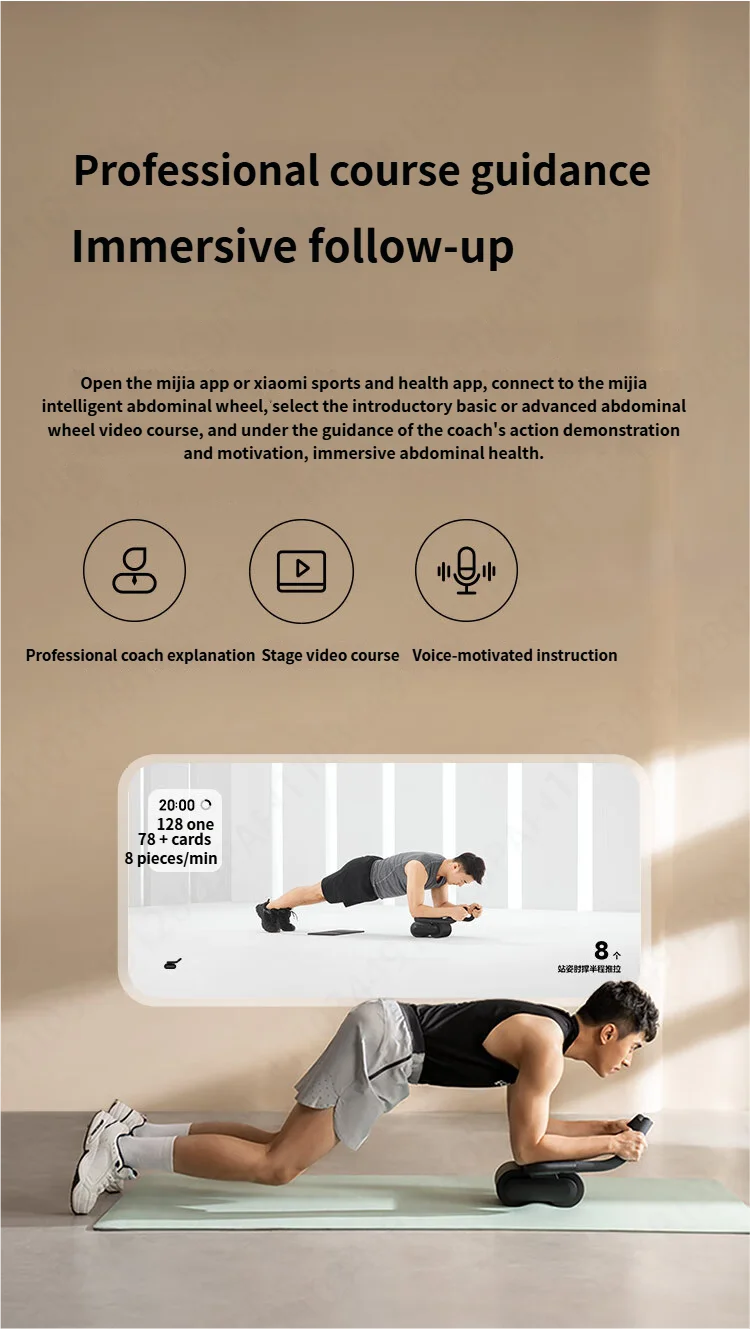
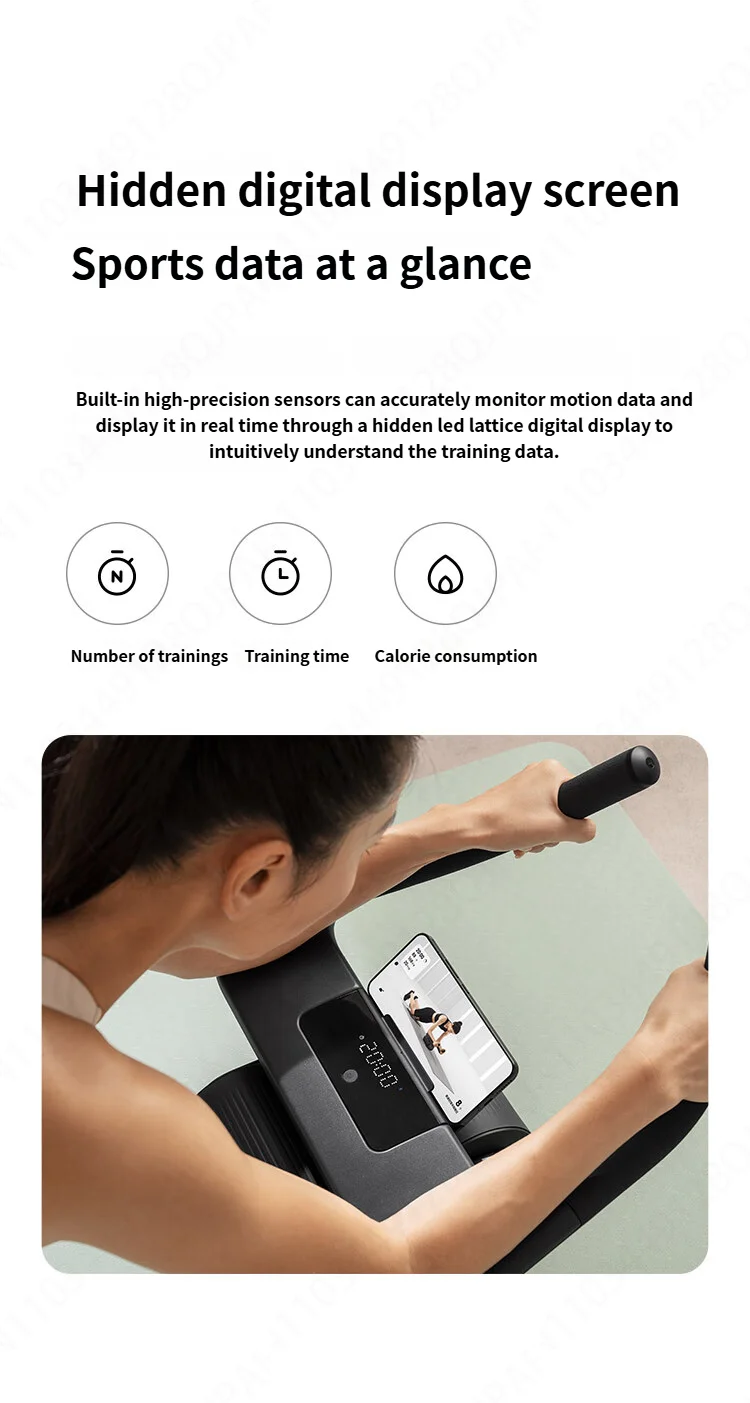
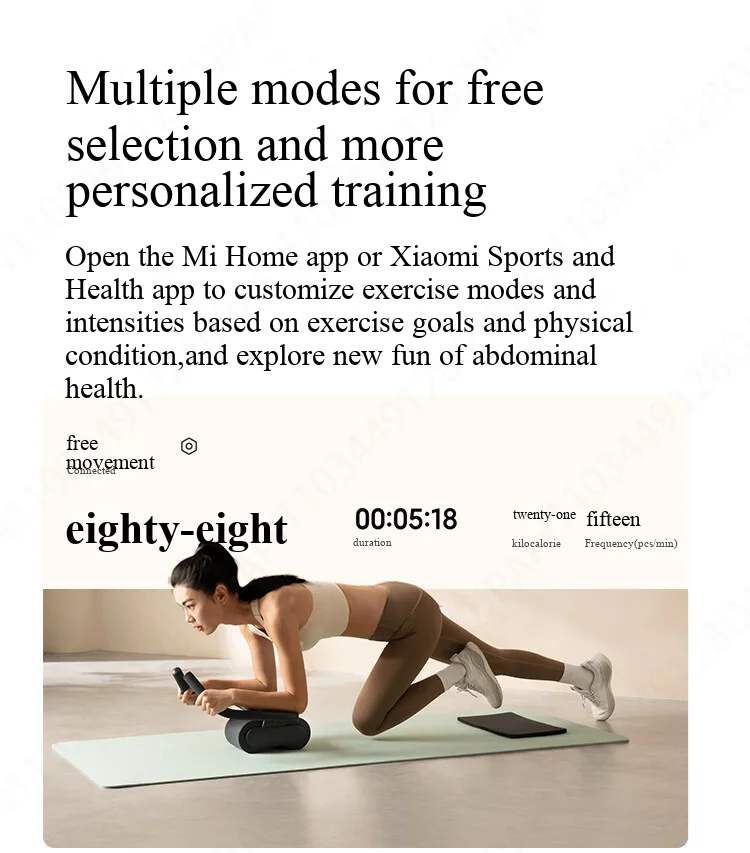
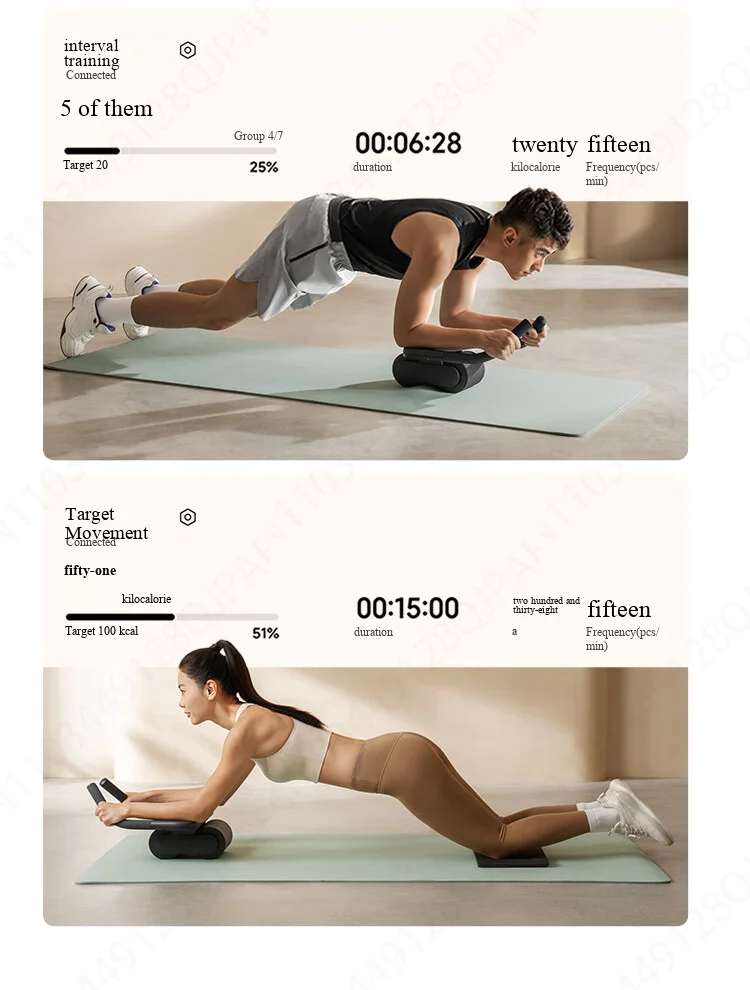
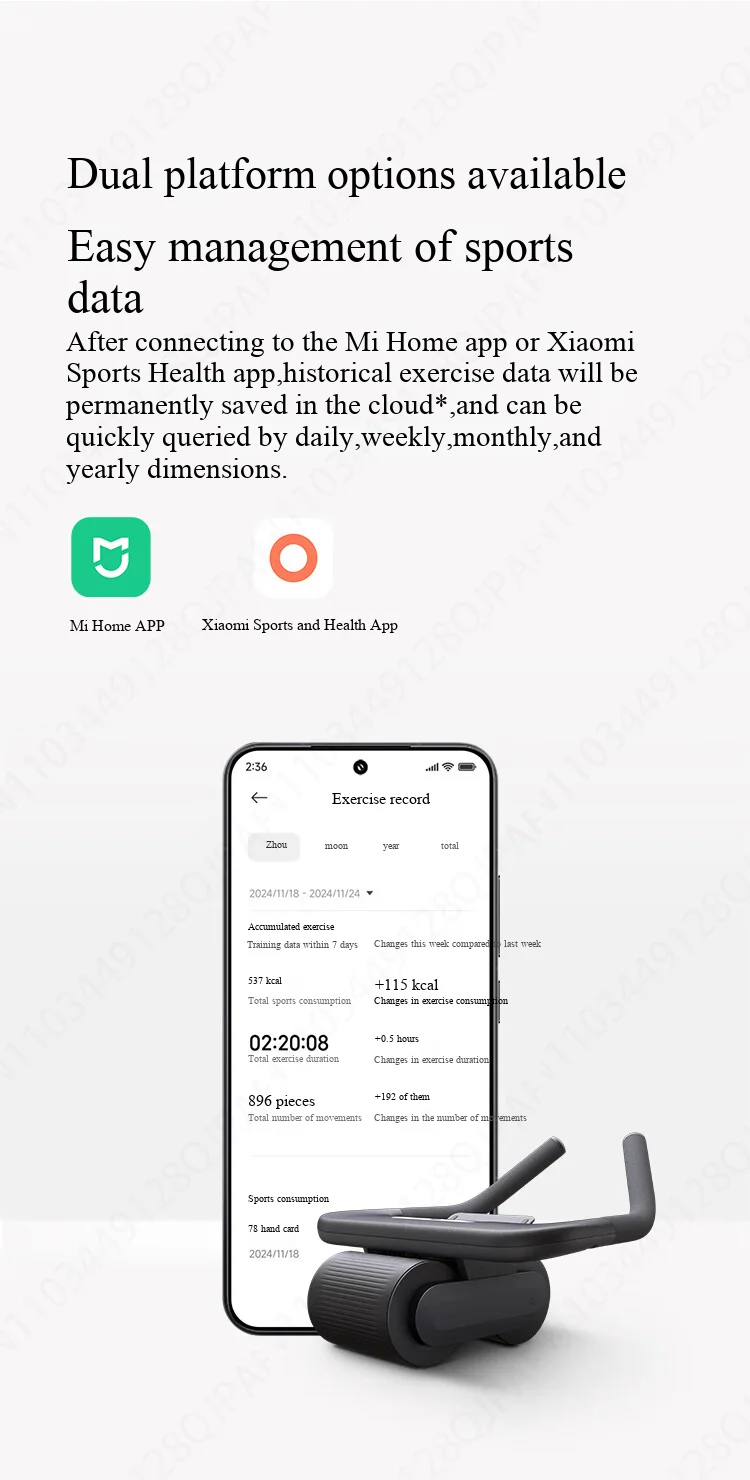
Connect seamlessly to the Mi Fitness/Xiaomi Wear app via Bluetooth. Every rep, meter, and calorie burned is accurately recorded. Set goals, complete challenges, and watch your core strength skyrocket with clear, measurable progress.
Safety First: Automatic Return Assist:
The built-in smart clutch detects when you're struggling and automatically locks the wheel, providing assisted rebound to help you return safely. This eliminates the common fear of rolling too far and straining your back, making it the safest ab roller on the market.
Super Stable Dual-Wheel Design:
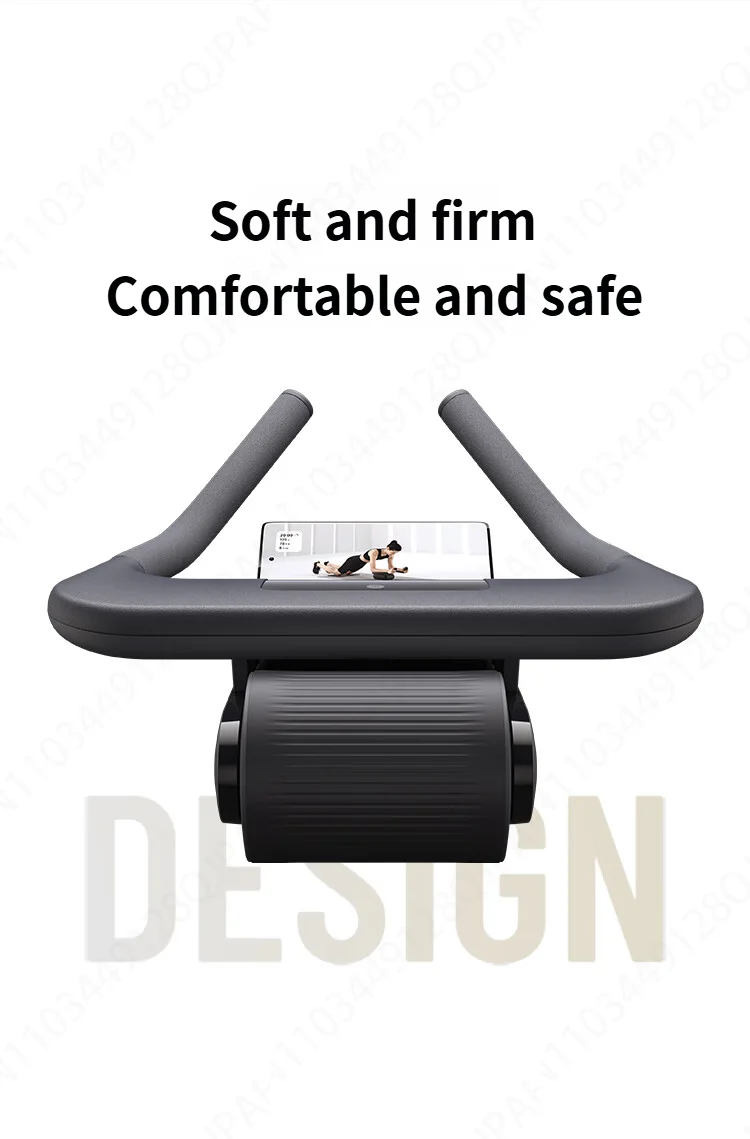
Forget wobbly single wheels! Our dual-wheel system with a wider base provides exceptional stability, allowing you to focus purely on engaging your core muscles without fighting for balance.
Full-Body Workout, Not Just Abs:
While incredible for your abs and obliques, this roller is a powerful tool for strengthening your shoulders, back, arms, and glutes. It's a compact, all-in-one strength builder for your entire core.
Home-Friendly Design:
The high-density rubber wheels roll quietly and smoothly on any hard surface—hardwood, tile, or laminate—without leaving marks or disturbing others. The ergonomic handles ensure a comfortable, non-slip grip even during intense sessions.
Note: This product version is applicable to the Chinese region. When adding a device, please select the Chinese server in the Mi Home APP Settings
Please follow the steps in the picture and change "Region" to "Chinese mainland" before using this device.
1. Click on "Personal Profile" at the bottom right corner
2. Click "Additional settings"
3. Click "Region"
4. Select "Chinese mainland" for the region